Experimental Modules
Here you will find download links to experimental modules that are not included in a release - either because they are still in development or too niche for general use.
These are usually showcased on or Bluesky first - if you see them there, you'll find them here.
Module List
⬒ Character Animation ALPHA v2.0, 2 MB
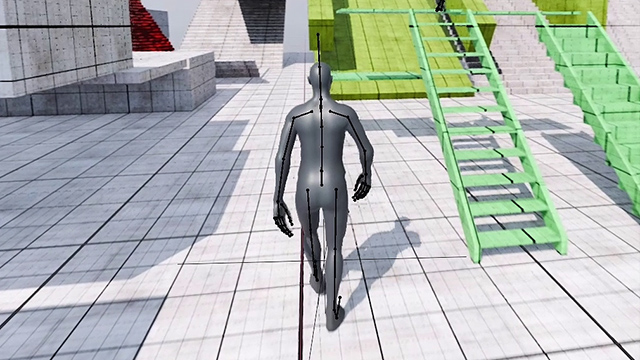
Download for OmniStep v2.0+ and Blender 4.5+
Adding new Modules
To install a custom / new module, you need to copy the python file to OmniSteps add-on/module directory. These differ for each operating system:
Windows
C:\Users\%USERNAME%\AppData\Roaming\Blender Foundation\Blender\4.5\extensions\user_default\omnistep\modules
macOS
/Library/Application Support/Blender/4.5/extensions/user_default/omnistep/modules
On Windows, press Win+R, type %appdata% and hit Enter - this opens the AppData\Roaming folder directly. From there, navigate to Blender Foundation\Blender\4.5\extensions\user_default\omnistep\modules.
On macOS, open Finder, press Cmd+Shift+G and paste /Library/Application Support/Blender/4.5/extensions/user_default/omnistep/modules. Note this is the system-level Library, not the one in your home folder - if the path doesn't exist, try ~/Library/Application Support/... instead.