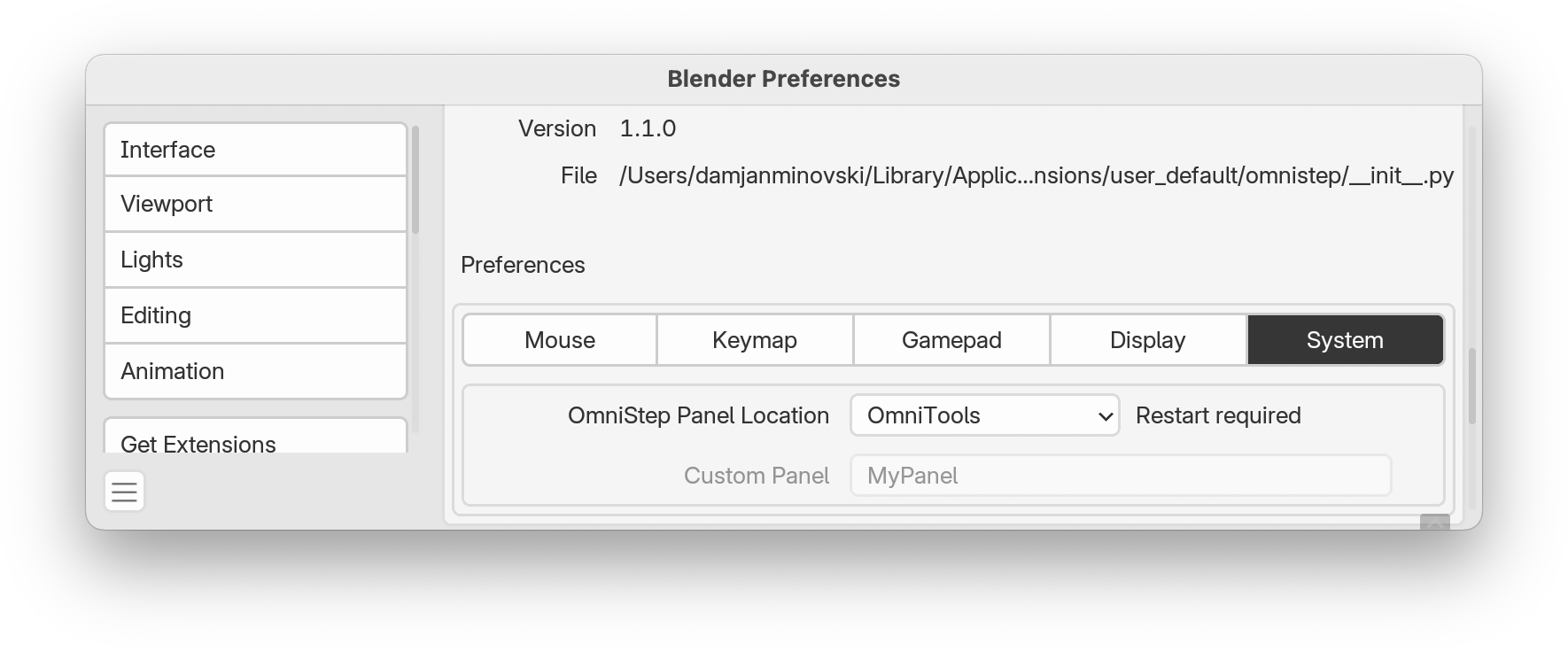
Add-on Preferences
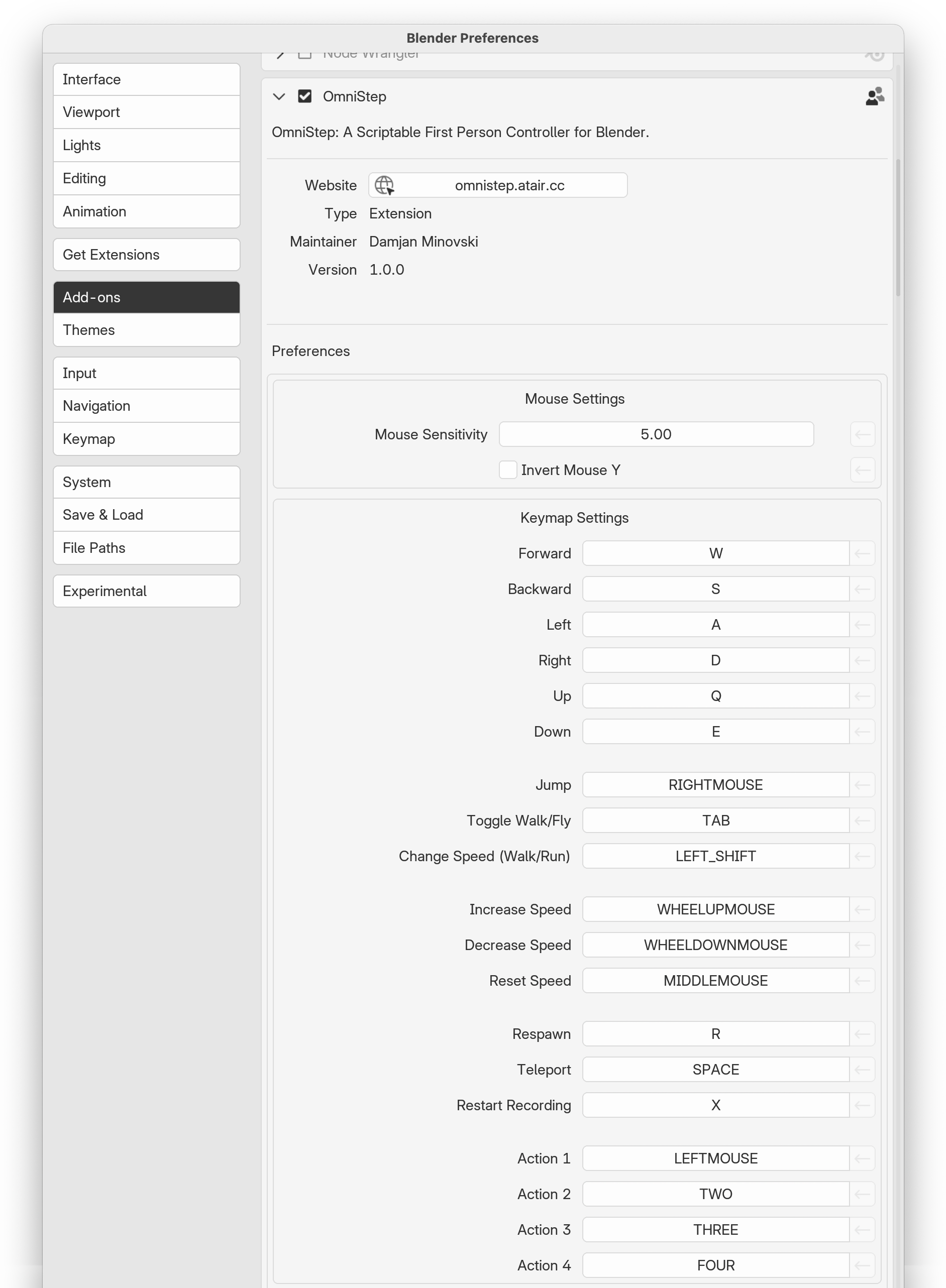
Mouse
- You can set the Mouse Sensitivity and Invert Mouse Y.
- Hide Cursor ¹ Hides the mouse cursor while OmniStep runs.
- Cursor Warp ¹ Is an experimental feature that helps prevent the cursor from leaving the Blender window on multi-monitor setups.
¹ In rare cases this can lead to stutters
Keymap
- Each Key can be reassigned, but only to keys/buttons recognized by Blender. See Event Type Items for a full list.
When a parameter is changed from the default value, you can reset it by pressing the 🠔 icon.
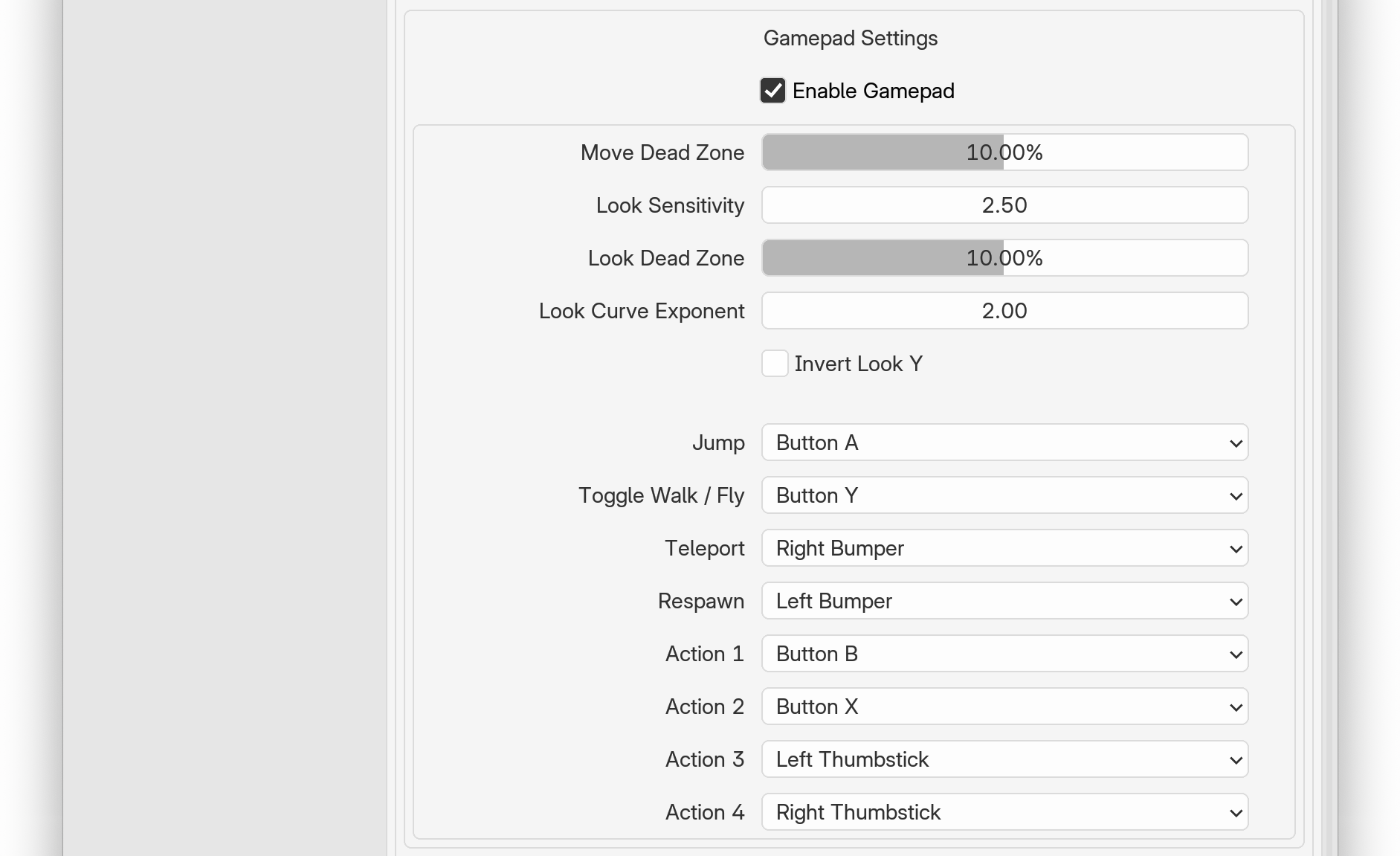
Gamepad
- Gamepad support is disabled by default and must be enabled here. Once a compatible controller is connected, it should work automatically. Note that only Windows and XInput-compatible gamepads are currently supported.
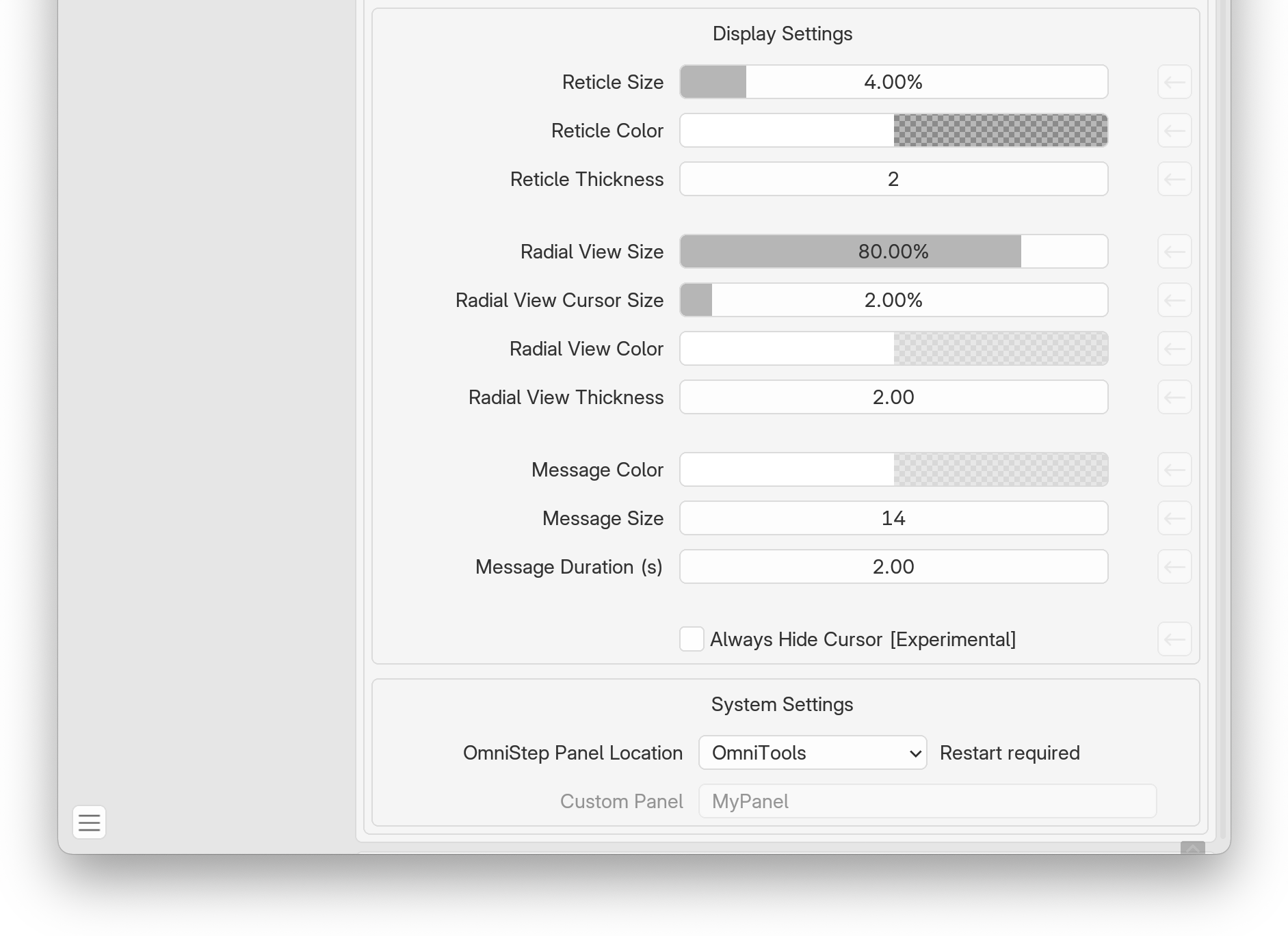
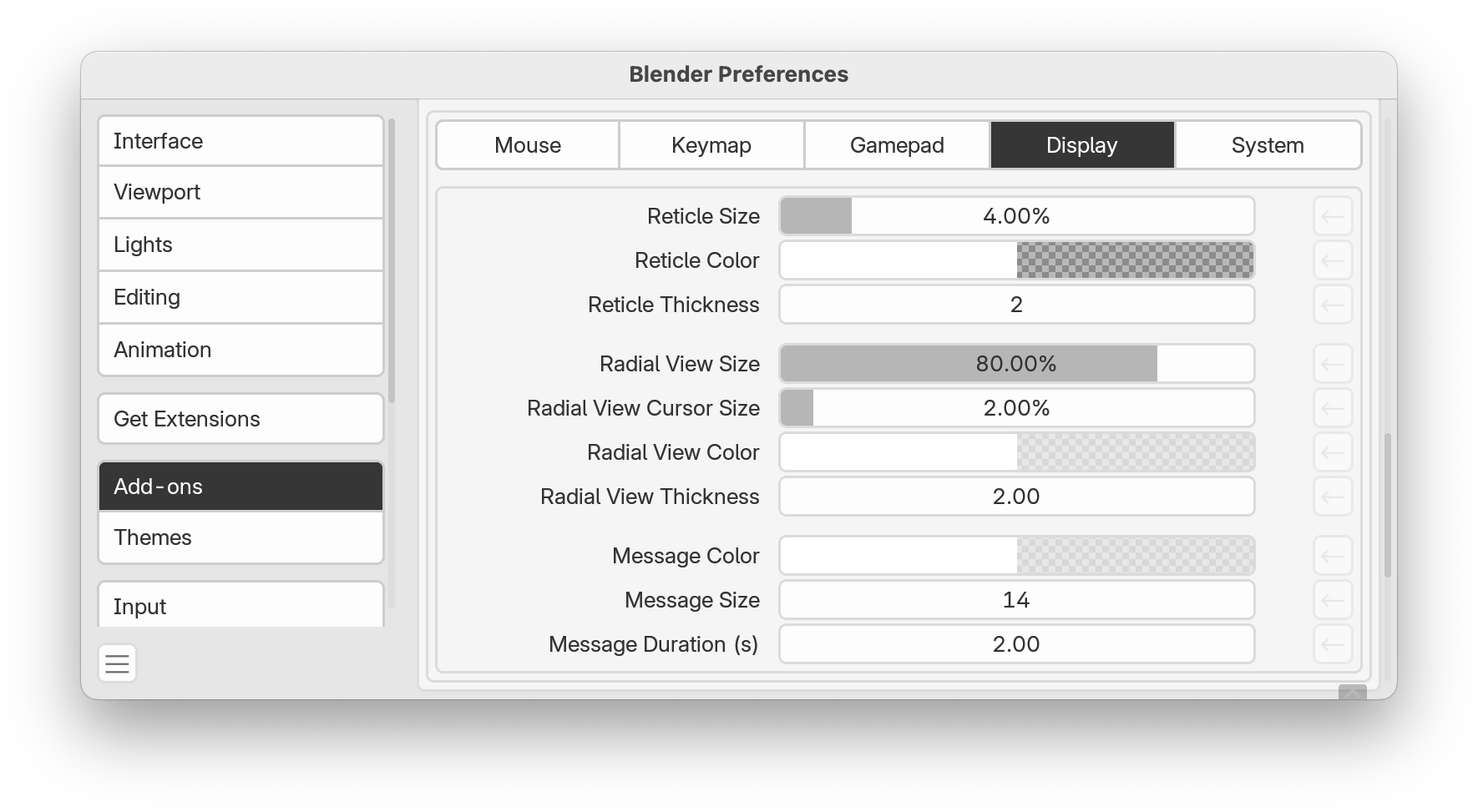
Display
- This section allows you to customize the viewport overlays.
System
- By default OmniStep is placed in a new 'OmniTools' sidebar tab. You can change this here to another location, e.g. 'Tools' or create a new custom entry to maintain a clean UI.